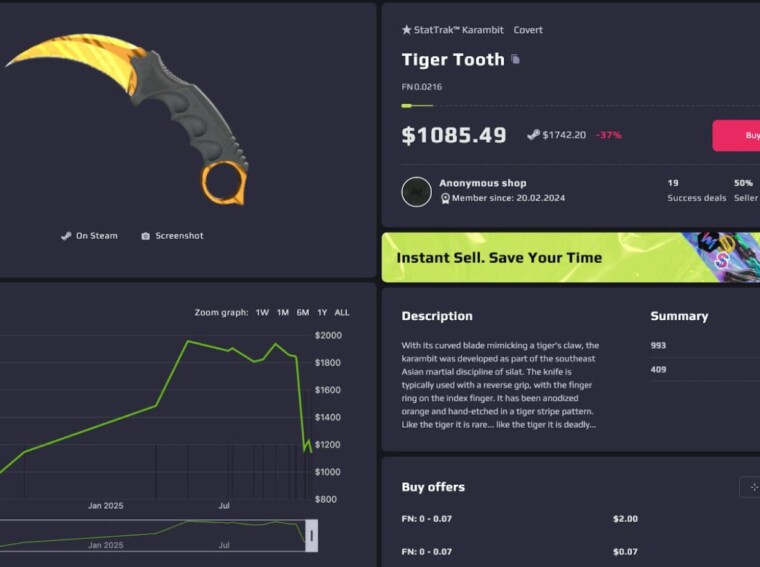
CS2 items stopped being “just cosmetics” a very long time ago. And today it is nothing like any other in-game items. A good knife or gloves feels like part of your aim – and, let’s be honest, part of your ego.
At the same time, the space around skins and crypto is full of traps. Fake “overpay” offers in DMs, Telegram “admins” asking you to send first, cloned websites that look legit until your USDT vanishes into a random wallet. One wrong move and you just donated your balance to a stranger.
This guide is written for players who want to buy skins with USDT or other coins without playing that lottery.
Why Purchase CS2 Skins with Crypto?
Using crypto for skins is basically “card + Steam” but on hard mode – faster, cheaper, and with more control if you know what you’re doing.
Here’s why more players buy CS2 skins with crypto instead of only using fiat:
- Fast payments worldwide. A CS2 crypto payment in USDT or BTC doesn’t care where your bank is. If the network clears, the marketplace sees your funds and you’re ready to buy. No random card declines, no “suspicious gaming transaction” flags.
- Lower fees and better rates. When you buy skins with USDT on a good marketplace, you skip part of the traditional banking stack. That often means better prices versus topping up balance through cards or third-party key resellers.
- More privacy. Crypto isn’t full invisibility, but it’s still better than handing your card details to every site. For many players, safe CS2 crypto buying means “I connect Steam, send coins, get skins” – no extra banking data everywhere.
- Good for traders and flippers. If you already live in crypto – trade on exchanges, get paid in coins, or use a crypto card – it’s smoother to keep value in the same system. You move from wallet straight to another wallet, without touching classic banks at all.
If your goal is fast, safe CS2 crypto buying with clear rules, then using a proper marketplace with real P2P trading and crypto is usually the best way.
Is It Safe to Purchase CS2 Skins with Crypto?
Short answer: it can be both “definitely yes” and “absolutely not”, depending on your setup.
Crypto itself is just a payment tool. Safe CS2 crypto buying depends on where you send the coins and how the trade is protected. A key difference of crypto payments is that they are irreversible. This is a major advantage for sellers. For buyers, it poses additional risk.
The main risk is sending crypto to a scammer’s address, Telegram “merchant”, or fake site pretending to be a known brand.
So, if you trade on Telegram or Discord, paying with crypto is risky. If you trade on a verified P2P platform like white.market, it is just another fast and convenient way of payment.
What You Need Before Purchasing
Before you hit “buy” on a CS2 crypto payment, make sure you have the basics ready. It saves nerves and keeps your first safe CS2 crypto buying session clean.
You need three things:
A crypto wallet or exchange account
- With USDT or USDC, or Bitcoin or another coin supported by the marketplace (but mostly with one of these three).
- Enough balance to buy skins with USDT (or other coin) plus network fee (at least $5-10 in the blockchain native currency equivalent).
A working Steam account with CS2
- No trade ban, no community ban.
- Inventory set to Public, Steam Guard on, and trade URL ready.
A trusted marketplace account
It’s better to find a real cs2 skins marketplace (a P2P marketplace in the best case scenario) that supports an option to buy CS2 skins with crypto, not a random trading bot.
If all three are ready – wallet, Steam, marketplace – you’re set. The rest is just following the steps in the right order.
How to Purchase CS2 Skins with Crypto Safely (Step-by-Step)
Step 1 – Choose a Trusted Marketplace
First you need a place where you’re not gambling with your wallet. Look for a marketplace that uses P2P trading with real users instead of shady bots, shows clear prices and fees, supports crypto, and is backed by a real company, not a random one-page clone.
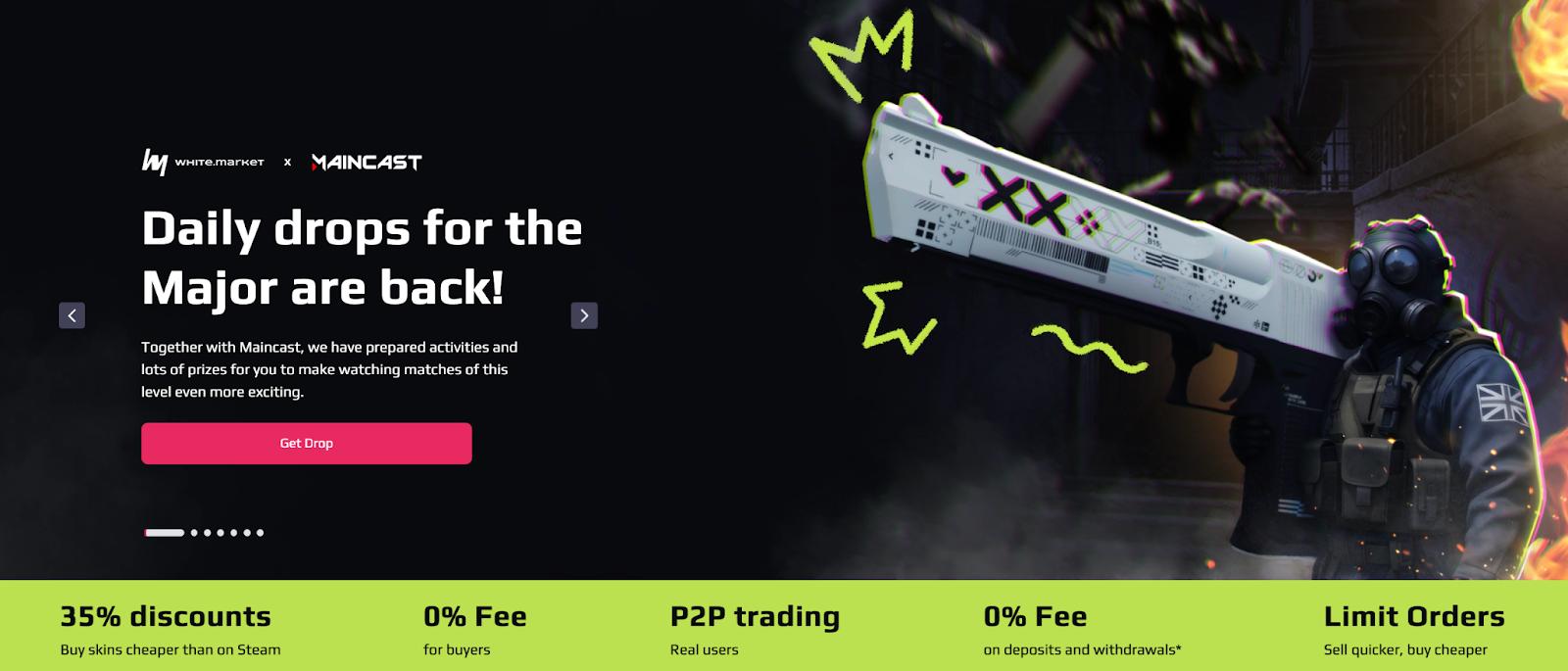
white.market fits that idea well:
- P2P trades between players
- Up to ~35% cheaper than Steam on many items
- 0% fee for buyers
- 0% fee on deposits and withdrawals* when you use WhiteBIT Codes
- Part of the WhiteBIT ecosystem with a full legal structure and security team (more in the official section about white.market)
Open cs2 skins – white.market marketplace in your browser or app. This will be your base for safe CS2 crypto buying.
Step 2 – Log in Through Steam
Now you connect your Steam, not your wallet keys.
- Click Log in with Steam on white.market.
- You’re redirected to the official Steam OpenID page.
- Confirm login and go back to white.market.
No passwords are shared with white.market; it just links your Steam profile and inventory. Then:
- Add and confirm your email
- Paste your Steam Trade URL in profile settings
- Make sure your inventory is public and CS2 items are visible
At this point, the site can see what you own and can later send you a trade offer after a crypto CS2 purchase.
Step 3 – Select the Skins You Want
Now comes the fun part: picking skins. On white.market you can browse by price ranges such as best items under $5, $50 or $100, and you can sort by discount compared to Steam, often seeing knives, gloves and rare rifles with 30-50% off. You can narrow things down by weapon type, rarity, wear, StatTrak and other filters, then open an item page to check float, wear state like FN or MW, stickers and how the skin actually looks.
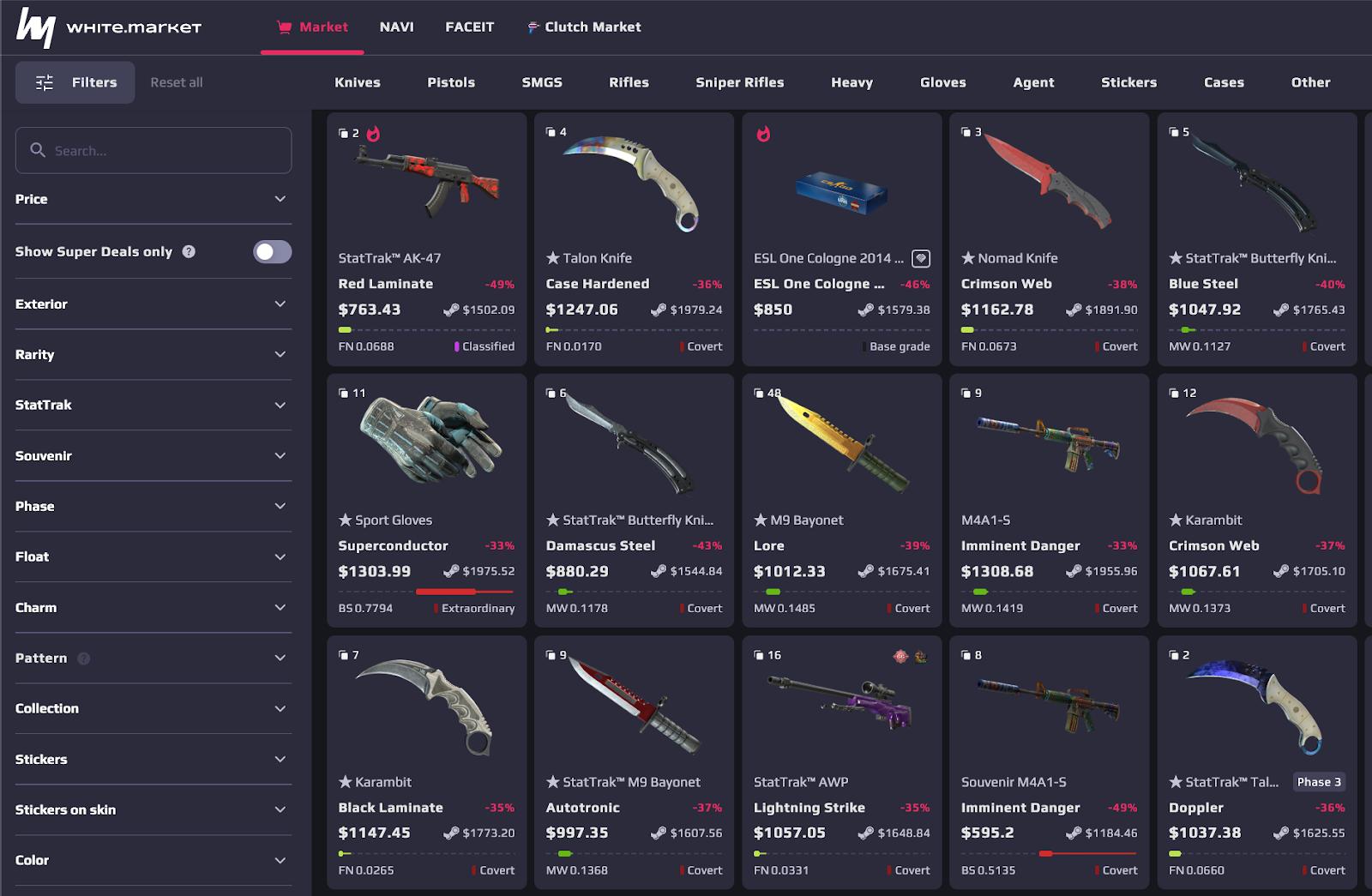
Once you’re happy, you add the skin to your cart or start the purchase flow from the item page. At that moment, buy CS2 skins with crypto stops being theory and becomes a real order you’re about to pay for.
Step 4 – Choose Crypto as Payment Method
When you move to checkout, you pick how to pay.
On white.market you have three crypto-related options:
- Direct crypto payment – pay in USDT, BTC, ETH, WBT and other supported coins from your wallet or exchange
- WhiteBIT Codes – move funds between white.market and WhiteBIT with 0% fee on deposits and withdrawals*
- WhiteBIT Nova card route – top up your white.market balance using Nova and get extra card “skins” based on deposit size
If you just want to buy skins with USDT fast, direct USDT or WhiteBIT Code is usually the cleanest option. Select the coin you prefer, check the rate and final amount, and confirm that you’re okay with it.
Step 5 – Send the Crypto Payment
This is the one step where a misclick can cost you money, so you stay focused. white.market shows you the exact amount of crypto to send, the network you must use for that coin and the deposit address or WhiteBIT Code target.
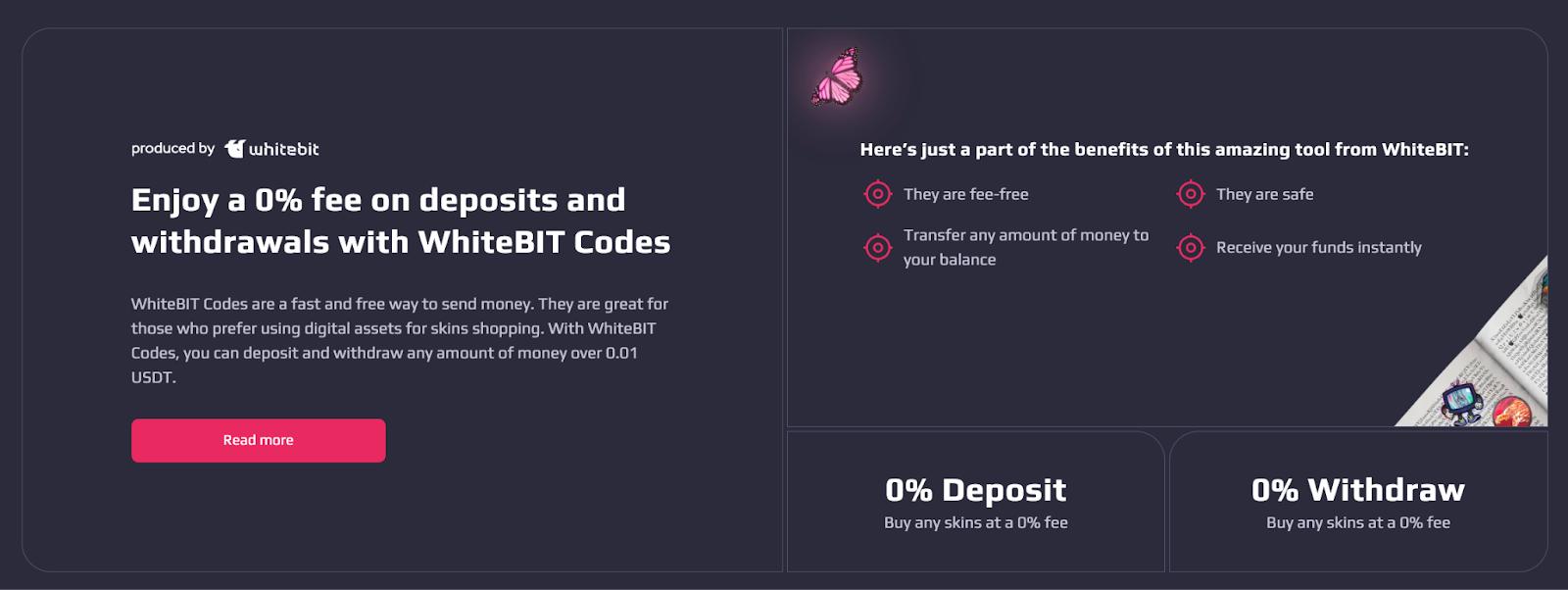
You copy that address instead of typing it, check in your wallet that the network fully matches the one displayed on white.market, paste the exact amount without rounding and send the transaction, then wait for confirmations.
Step 6 – Receive the Trade Offer
When the CS2 crypto payment is confirmed and your order is active, the last step is in Steam.
What happens:
- The seller (or their trade bot within the P2P flow) sends you a trade offer through Steam
- You get a notification in Steam / Steam mobile app
- The offer will contain exactly the skins you bought and nothing else
What you do is:
- Open the offer and check the items and the sender (it should match the data in your white.market order).
- Confirm the trade via Steam Guard mobile confirmations.
- See the skins land in your CS2 inventory.
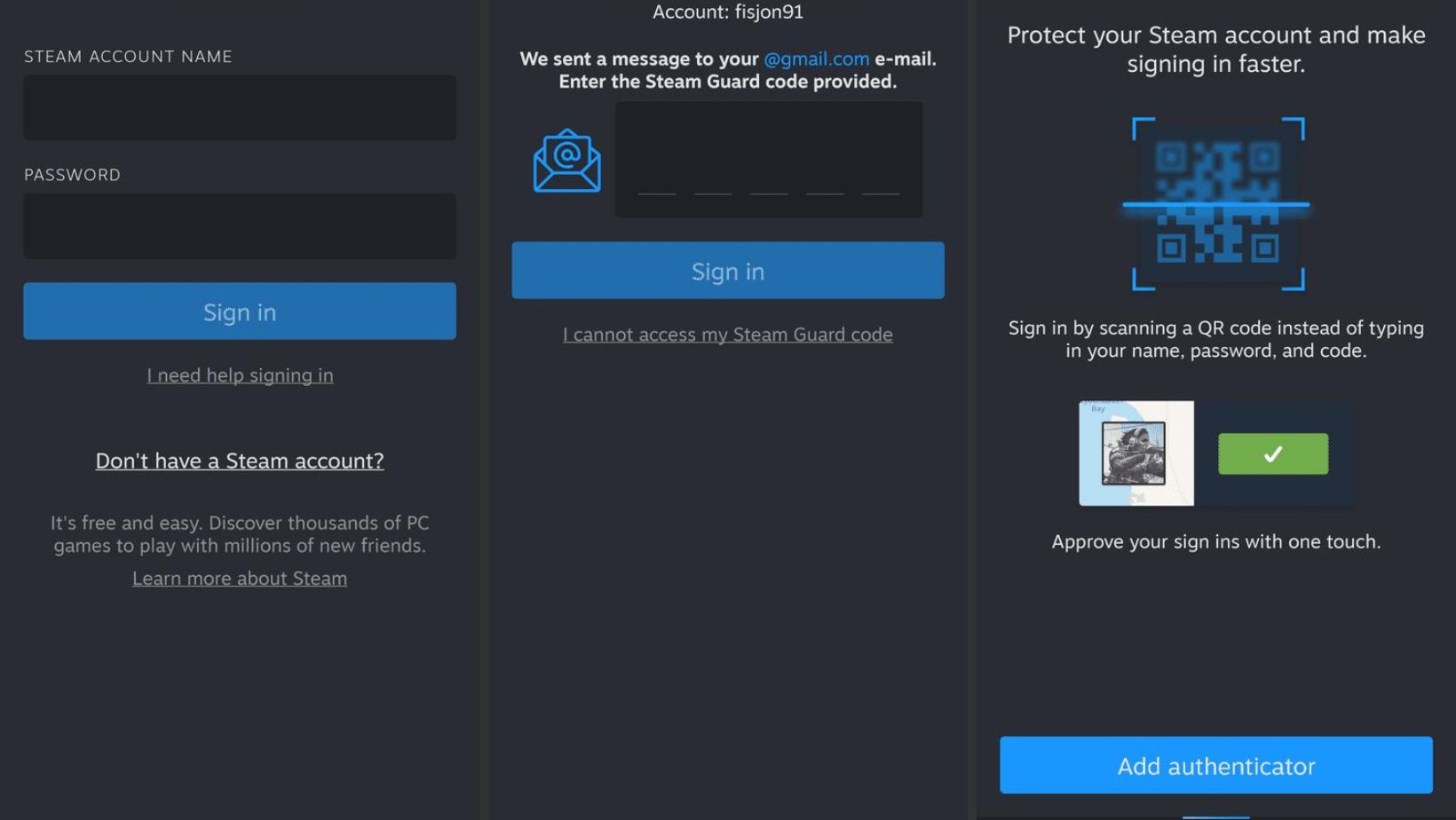
Finally, the marketplace updates the order status to “completed” and that’s it – you just finished a safe CS2 crypto buying cycle: coins turned into skins with P2P protection and without trusting random DMs.
How to Avoid Scams
Scams in CS2 trading almost never look like “I am a scammer”. They look like “bro, instant overpay” or “official support, click here”. If you want safe CS2 crypto buying, you treat everything outside the marketplace as suspect by default.
The biggest red flag is anyone asking you to send USDT or BTC “directly” to an address or QR code in DM and promising a crypto CS2 purchase without any order on a real site. If there is no order ID, no escrow, no support, and no way to track the trade on a platform like cs2 skins – white.market marketplace, it’s basically a donation.
Always check the domain you are on. Scammers love tiny changes: extra letters, wrong hyphens, fake login pages that copy the design. Type the address manually, or better, bookmark the real site and open it from there. If in doubt, you can always cross-check the link from the official “About” page of the project, for example about white.market.
If you keep one simple rule – money and skins only move inside a tracked order on a trusted marketplace – your CS2 crypto payment becomes way safer. Most scammers lose interest the moment you pull them back to real P2P with escrow and logs.
Common Mistakes
A lot of players don’t get scammed, they just misplay the basics. Here are the main traps to avoid when you buy CS2 skins with crypto:
- Wrong network for the coin. You see “USDT” in your wallet and on the site, send it, and only later notice the marketplace asked for a different chain. For safe CS2 crypto buying, always check both coin and network. USDT on one chain is not the same as USDT on another.
- Sending “about” the right amount. On a P2P crypto CS2 purchase, the system expects the exact number shown on the screen to match your CS2 crypto payment with your order. If you send less “to save on fees” or round by hand, the payment can get stuck or misrouted. Let the marketplace calculate everything and send the exact amount.
- Unprepared Steam account. Many players forget that Steam is also part of the deal. Fresh accounts, trade holds, private inventory, or recent password changes can block or delay the trade offer. Before you buy CS2 skins with crypto, make sure Steam Guard is on, the inventory is public, and there are no trade bans or temporary locks.
- Panic and double-sending. Crypto networks can be busy, banks can lag, Steam can take time to refresh. If you sent funds to the right address on the right chain and the order status looks normal, wait a bit before flooding support or sending another transaction “just in case”. Double-sending because you think the first payment failed is how people pay twice for one order.
It’s always better to double-check.
Final Checklist
That’s it. But before you hit “Buy”, run through this quick list:
- You’re on the real white.market domain, opened from your own bookmark or a trusted source.
- Your Steam has Steam Guard on, no trade bans, and inventory set to public.
- The item, price, float, and discount all look correct on the offer page.
- The coin and network in your wallet match what the site shows.
- The address is copied, not typed, and the amount is exactly the same as on the screen.
- You wait for confirmations and only accept trade offers that match your order.
If all of this checks out, you’re good to go: pay, confirm the trade in Steam, and enjoy your new skins. Enjoy!